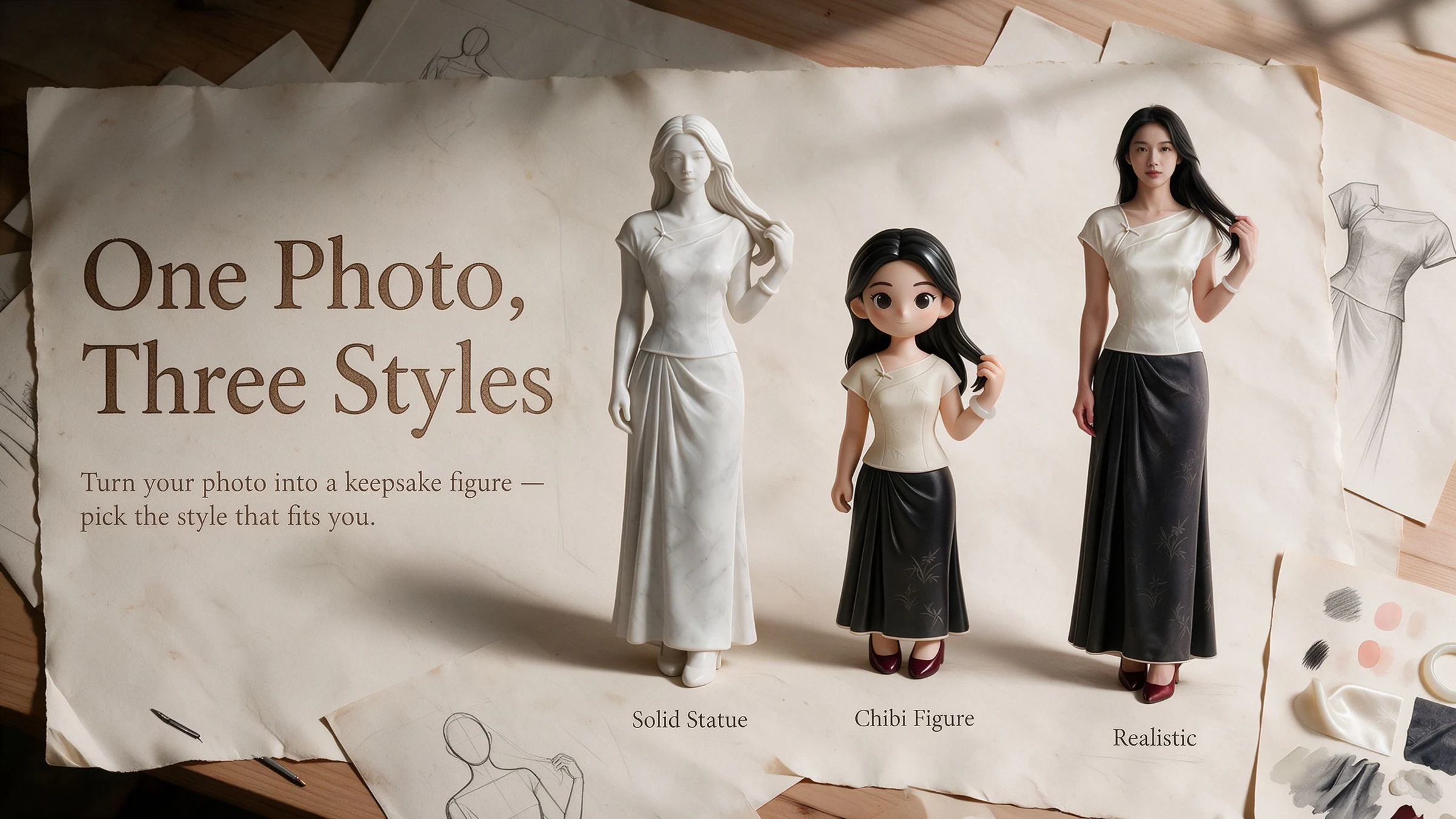
Journal guide
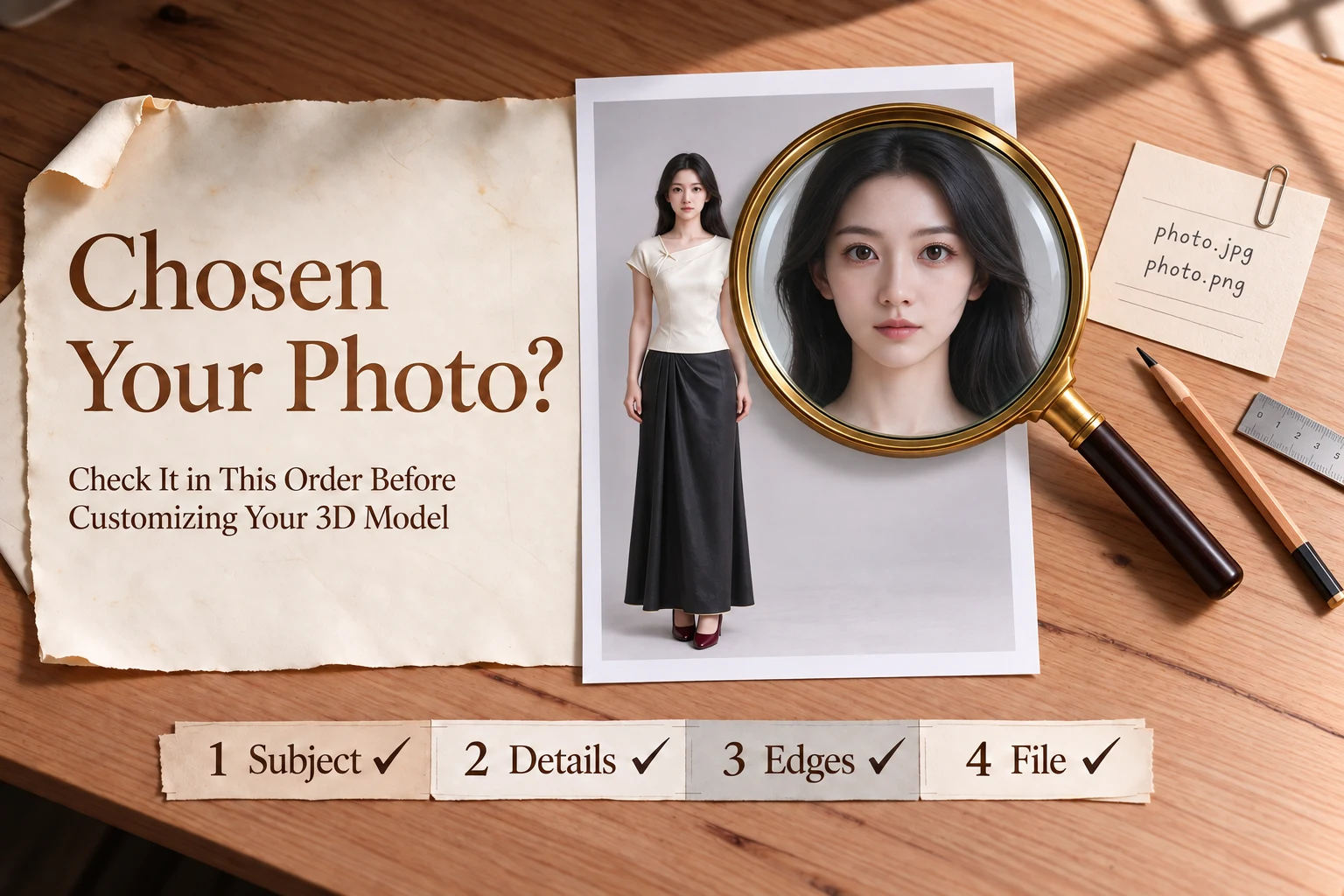
Once you've chosen a photo for your custom keepsake, don't upload it just yet. Open the original image and look at the whole picture, then zoom in on the details and check the file information. This quick review helps ensure the photo captures everything you want to preserve in your one-of-a-kind figurine.
1. We currently accept photos of one person or one pet only.
Group photos, photos of multiple pets, and photos of a person holding a pet do not meet the single-subject requirement. If you plan to crop one subject out of a group photo, check the cropped image again: Is any part of another person or pet still visible? Have you cut off any part of the head, clothing, or body that you want to keep? Cropping cannot restore parts of the subject that were already obscured in the original photo.
2. Keep the background as simple as possible.
Follow the outline of the person or pet and check whether furniture or other objects hide parts of the body or make the outline difficult to see.
For a person's photo, pay particular attention to the eyes, corners of the mouth, and hairstyle. For a pet, check the eyes, ears, and patterns in its coat. If you especially love a certain expression or a particular marking on your pet, inspect that area closely. If it is blurry, too dark, or hidden by a hand, hair, or something else, compare other photos in your album. If another image better captures the memory you want to preserve, choose that one.
The subject does not have to face the camera directly. A front-facing photo or one taken at a slight angle can both work. What matters is whether the features you want to keep are visible. If the photo has a strong beauty filter or other effects, compare it with the original and choose the version that looks most like the person or pet you remember.
If you want a full-body figurine, make sure the head, limbs, and clothing are all visible in the frame. If you want to capture the shape of your pet's tail, check that the tail has not been cut off.
You do not have to rule out a half-body photo immediately. But if you want a handcrafted, full-body figurine of a person and the original photo shows only the upper body, the lower half may not turn out exactly as you imagined.
For this customization, we do not currently accept additional side-view or rear-view photos.
The current upload requirements are:
1. File format: JPG/JPEG or PNG.
2. File size: no more than 20 MB per image.
3. Total pixel count: no more than 40 million pixels (image width multiplied by image height).
These figures are maximum limits, not minimum image-quality requirements. If your file is in another format, export it as a JPG or PNG first, and make sure the image displays in the correct orientation.
Also make sure you have the legal right to use the image. For a photo of a person, you must obtain the depicted person's necessary consent for AI processing, 3D modeling, and physical production.
Meeting the upload requirements does not mean the final result has already been decided. You will first review a 2D concept artwork to confirm the subject's appearance and style. After you approve it, the process moves to 3D sculpting. The concept artwork and 3D sculpting are billed against your account balance; physical production is paid for separately.
When you review the concept artwork, follow the same order you used to check the photo: look at the overall pose first, then examine details such as the expression, hairstyle, or coat color. Take time at this stage to compare it with the likeness you want to preserve.
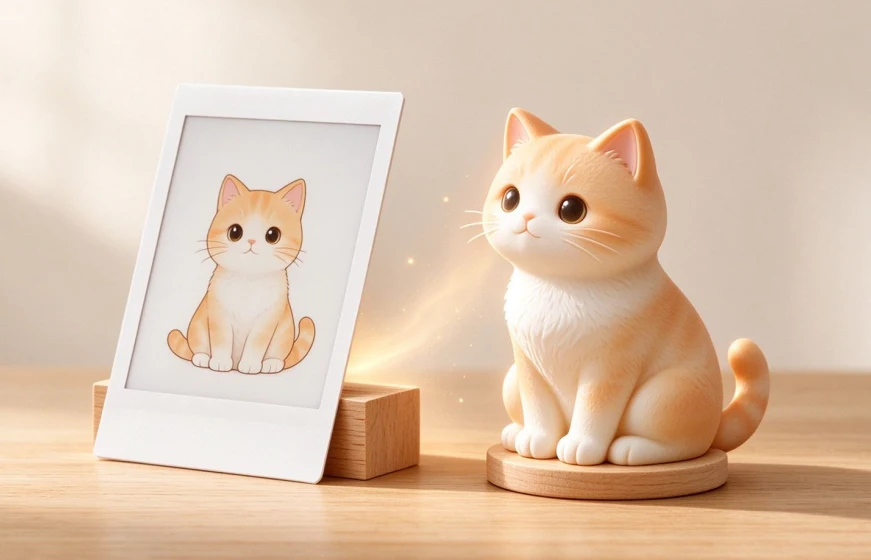
A simple guide to choosing photos for your custom figurine, with tips on lighting, camera angles, and the personal details that help preserve a familiar likeness.